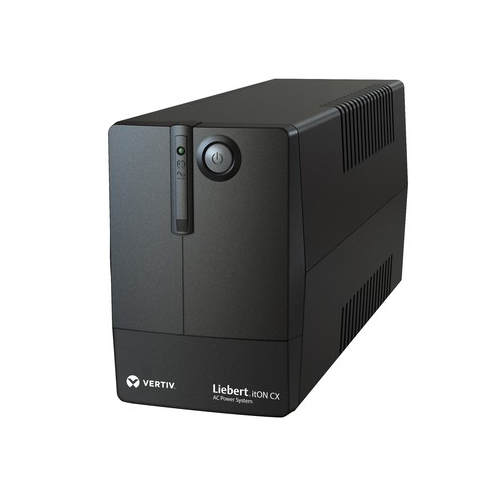
About Vertiv ITON Long Backup UPS
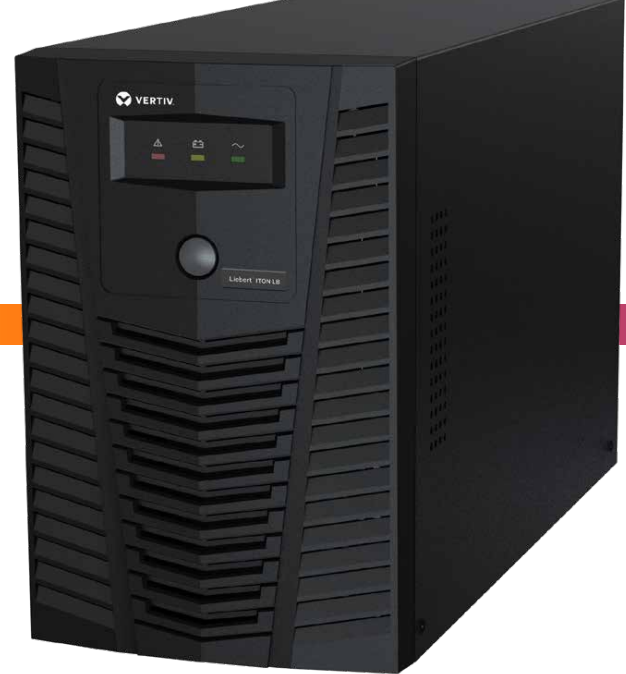
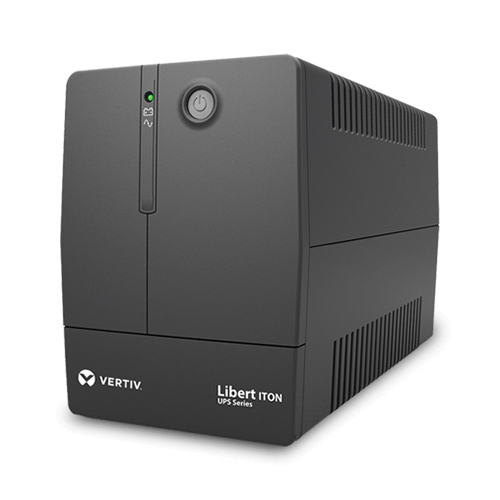
ITON line interactive ups suitable for long back up time . Battery is to be added as per the back up time requirement. Backup up to 3 hour on 2 PCs or 6 hours on one pC is possible by adding suitable Battery.
the output will be in safe voltage window all the time
Reliable Power Backup for Critical DevicesThe Vertiv ITON UPS is engineered to safeguard your essential electronics from power interruptions. By delivering a stable output of 230V AC 10% and a fast transfer time of 2-6 ms, it keeps devices like PCs and servers continuously operational. Its long battery backup capability and robust protection measures ensure that your data and hardware remain secure against sudden outages, surges, or overloads.
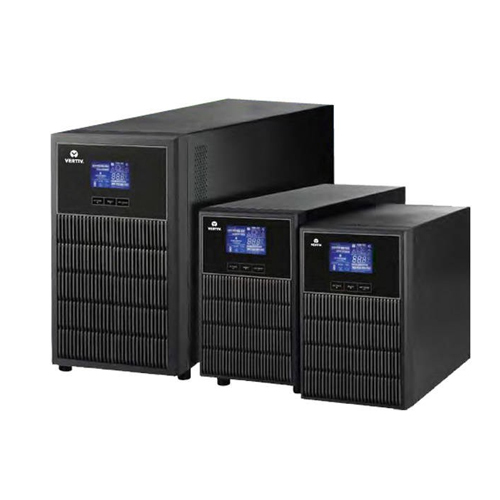
User-Friendly Operation and Easy InstallationDesigned for simplicity, this UPS features a desktop mounting type and a universal socket, making it easy to set up next to your working area. Status indications via an LED and audible alarms notify users of operational changes, such as battery mode or overloads. Thanks to its USB and RJ45 interfaces, monitoring and managing the UPS is straightforward, whether at home or in a professional setting.
FAQ's of Vertiv ITON Long Backup UPS:
Q: How does the Vertiv ITON UPS protect my devices during a power outage?
A: This UPS automatically switches to battery mode in just 2-6 milliseconds when it detects a power failure, providing a simulated sine wave output to keep your devices running without interruption. It also safeguards your equipment with overload, overvoltage, short circuit, and surge protection.
Q: What devices can I use with the Vertiv ITON Long Backup UPS?
A: This UPS is ideal for protecting PCs, workstations, networking equipment, and small servers. It supports a maximum load of 600W (1000VA) and is compatible with universal socket connections.
Q: When should I recharge the UPS, and how long does it take?
A: It's recommended to recharge the UPS after each use or when the battery is low, as indicated by the alarm or LED. The recharge time is approximately 6-8 hours for the battery to reach 90% capacity.
Q: Where can I install the Vertiv ITON UPS for best performance?
A: Place the UPS in a cool, dry, and well-ventilated environment, ideally on a desktop. Ensure the operating temperature is between 0C and 40C and relative humidity does not exceed 90% (non-condensing).
Q: What is the benefit of simulated sine wave output on this UPS?
A: Simulated sine wave output provides stable and efficient power, making it suitable for most consumer electronics and office devices, while being cost-effective compared to pure sine wave models.
Q: How do I monitor the UPS status?
A: You can monitor the UPS using the intuitive LED indicator and listen for audible alarms that alert you to status changes such as battery mode, low battery, overload, or fault conditions.






 Send Inquiry